
How to Parry in ReBlade: The Death Spiral (Demo Basics)
Learn ReBlade parry timing in the demo: block on impact, red attacks to dodge, shield icons on bosses, and reported Xbox layout from July builds.
FAQ
How do you parry in the ReBlade demo?
Are there visual parry cues on Normal difficulty?
Can you parry red glowing attacks?
What do shield icons above enemies mean?
Can you reflect bullets and beams?
Do all weapons parry the same way?
How do you parry in the ReBlade demo?
Press defend just as an enemy attack connects to trigger a parry instead of a chip-damage block. Frame-level timing windows have not been published, so practice on live animations. On reported Normal difficulty settings from IGN China’s July 2026 build, attacks flash right before impact; defend when you see that flash to land perfect parries more consistently. Whether the October demo shows the same flash on every difficulty is unconfirmed, so trust the live enemy animations over guide text.
Parrying is the game’s core skill loop: previews describe reflecting bullets and beams back into packs, building element energy, and opening finishers on weaker foes after a successful parry.
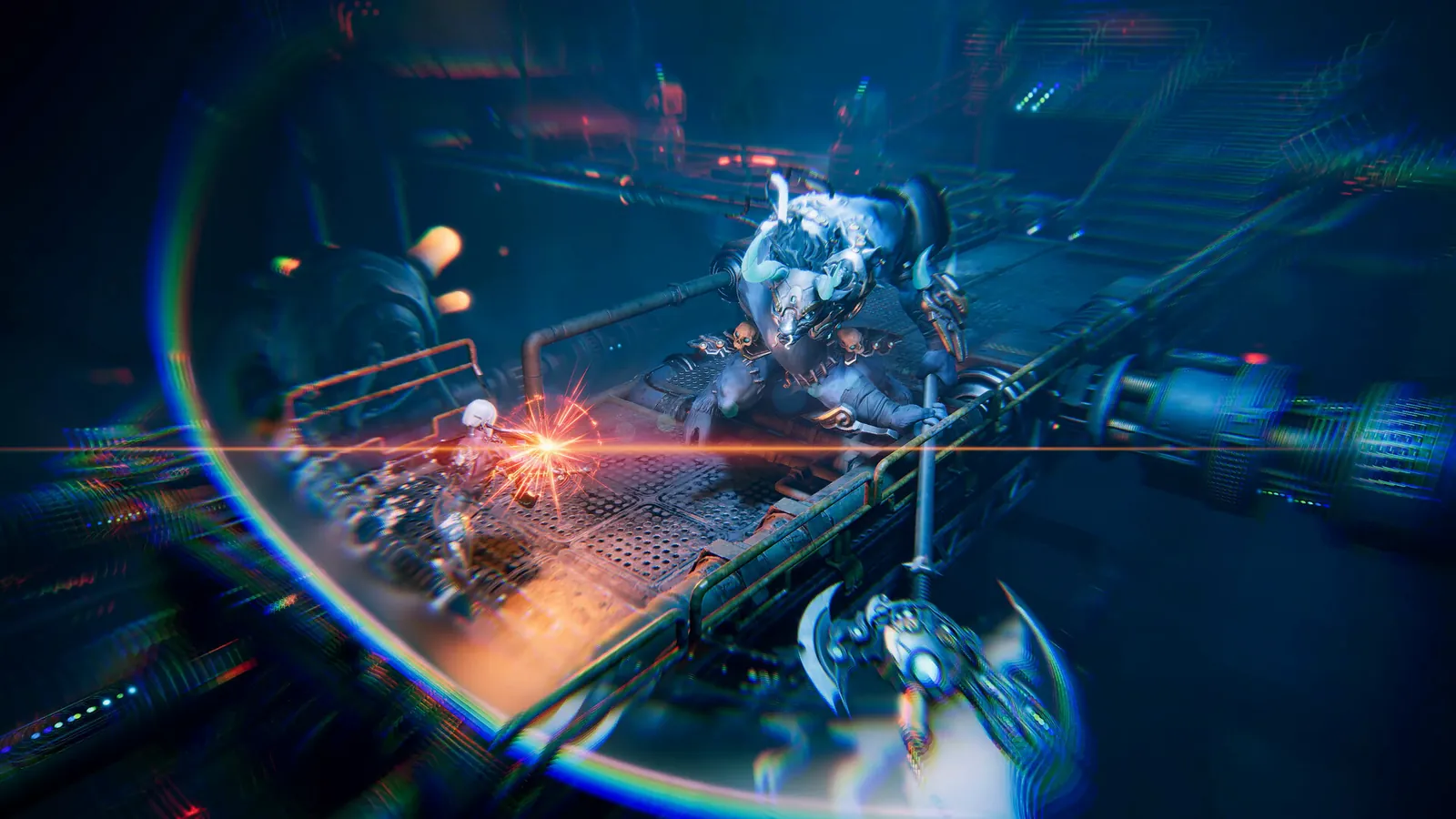
Source: Steam store official screenshot #1.
What are the reported controls (and what is unverified)?
Documented Xbox controller layout comes from Bilibili World July 2026 hands-on coverage (4Gamer syndication), not confirmed for demo v0.4.44:
| Input (Xbox, July build) | Reported action |
|---|---|
| LB | Defend / parry (press as hits connect) |
| RB | Normal attack; also finisher when enemy is staggered |
| RT | Primary weapon skill |
| Hold RB | Secondary weapon skill |
| LT | Element burst (spends parry-built energy) |
Steam patch notes for v0.4.44 recommend an Xbox controller while compatibility fixes continue. Keyboard and mouse defaults are not verified in our sources; open Settings in the demo and read your bindings before practicing.
Pair this page with the beginner demo guide for run structure and the demo weapons overview for how each starter weapon handles.
What do you gain from a successful parry?
Reported outcomes stack into a full combat toolkit:
- Grunts: After one parry, press normal attack to execute weaker melee enemies (IGN China July build).
- Projectiles: Bullets and beams can be parried back into other enemies (IGN English preview; challenge footage shows long machine-gun strings parried).
- Element meter: Parries feed element energy used for LT-style bursts in July layout reports and preview UI.
- Elites and Bosses: Shield icons above the health bar mark parry thresholds. Each perfect parry removes one shield; when all shields break, the target staggers and takes higher damage (IGN China; July hands-on also describes a 2× damage window on a reported octopus-style Boss—treat multiplier wording as media reporting, not datamined fact).
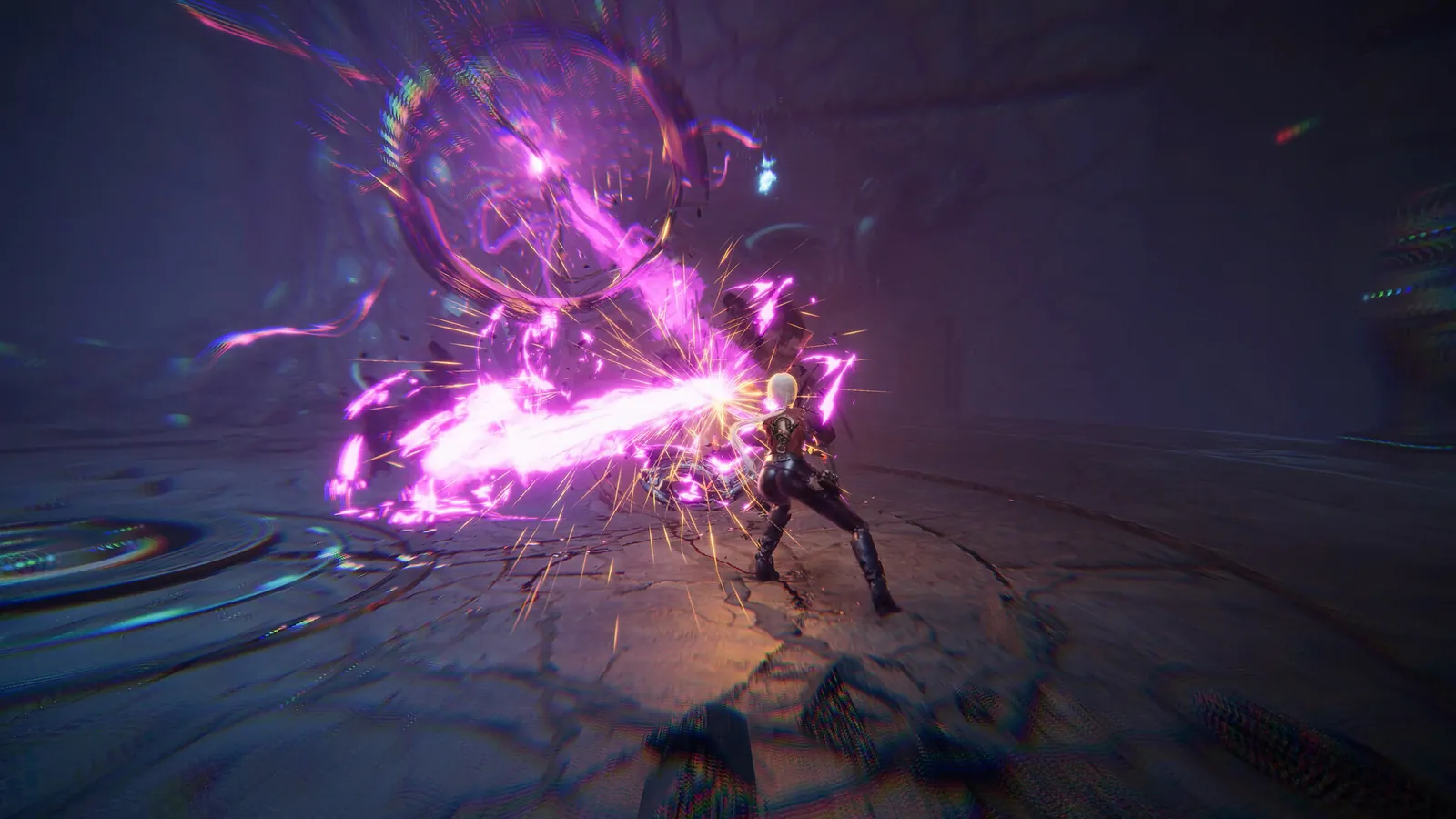
Source: Steam store official screenshot #2.
Which attacks cannot be parried?
Red-glow attacks are reported as unparryable in both IGN China preview and Amazing Chest challenge footage. Dodge instead of holding defend.
Slow grenades and bombs need footwork: IGN China describes kicking them back with positioning, outside the standard parry window. Do not treat every glowing object as parryable.
Goblin-like spit attacks in challenge footage require a different counter than a basic parry (exact input name not confirmed here). When a move looks fluid or ground-pooled, assume a special answer until you learn the tell.
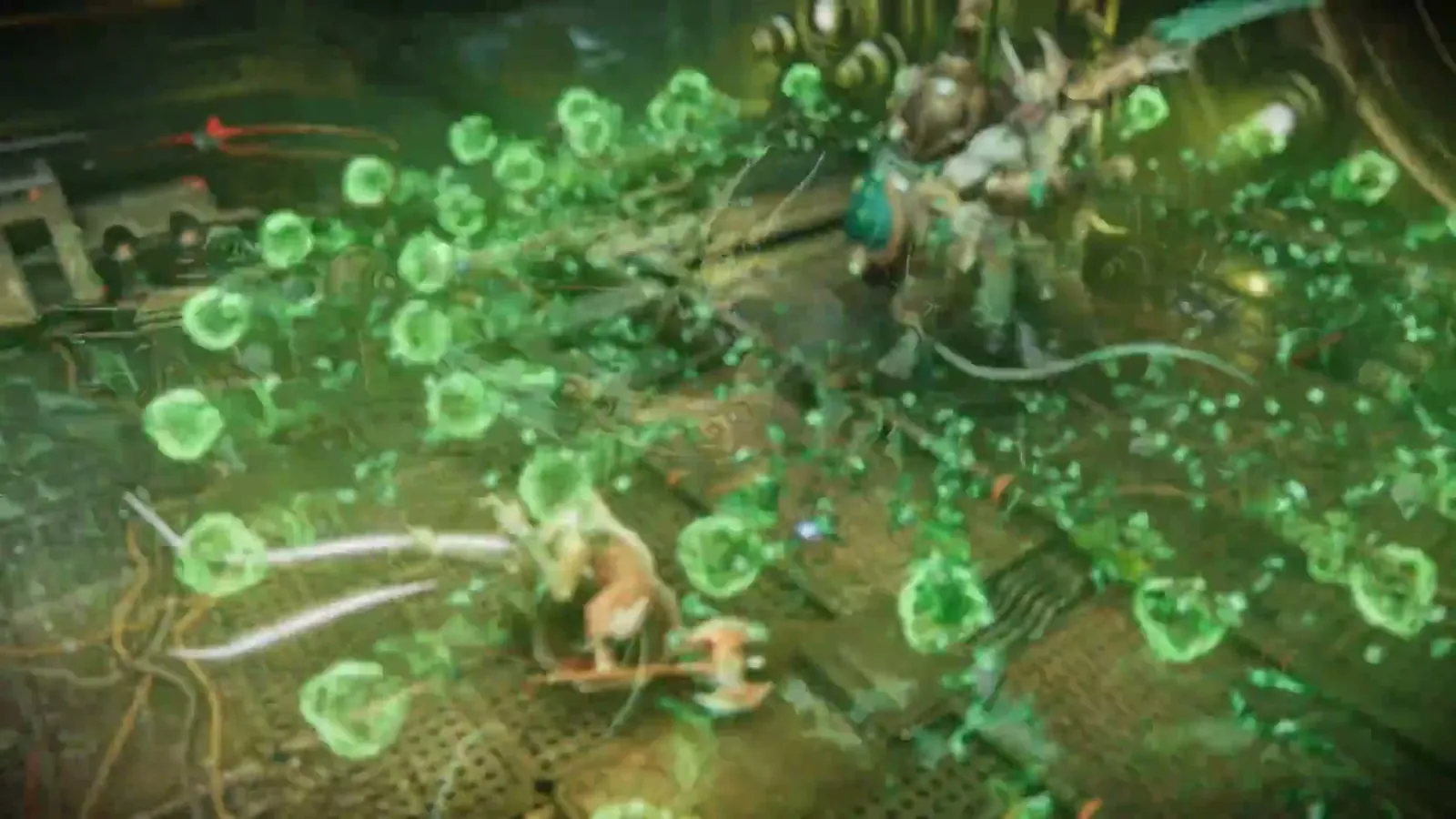
Source: official Steam trailer SNF Trailer, about 30 seconds in.
How do weapons change parrying?
Preview and July hands-on notes ** differ by weapon family**:
| Weapon family | Reported parry behavior | Source build |
|---|---|---|
| Sword / blade | Wider parry timing | July 2026 hands-on |
| Axe / shield style | Defending always counts as parry while draining skill points | July 2026 hands-on |
The Steam demo ships Sword, Twin Blades, and Shield Axe only. July reports may not match October demo tuning—compare feel on each weapon page: Sword, Twin Blades, Shield Axe.
What parry mistakes show up in early runs?
- Blocking red attacks instead of dodging.
- Panicking on slow ordnance instead of repositioning to kick grenades back.
- Ignoring shield icons on mini-Bosses and The Black (name as used in preview footage), wasting damage windows.
- Empty element burst because parries were replaced with holds on trash mobs.
- Using July button labels on PC without checking the settings menu.
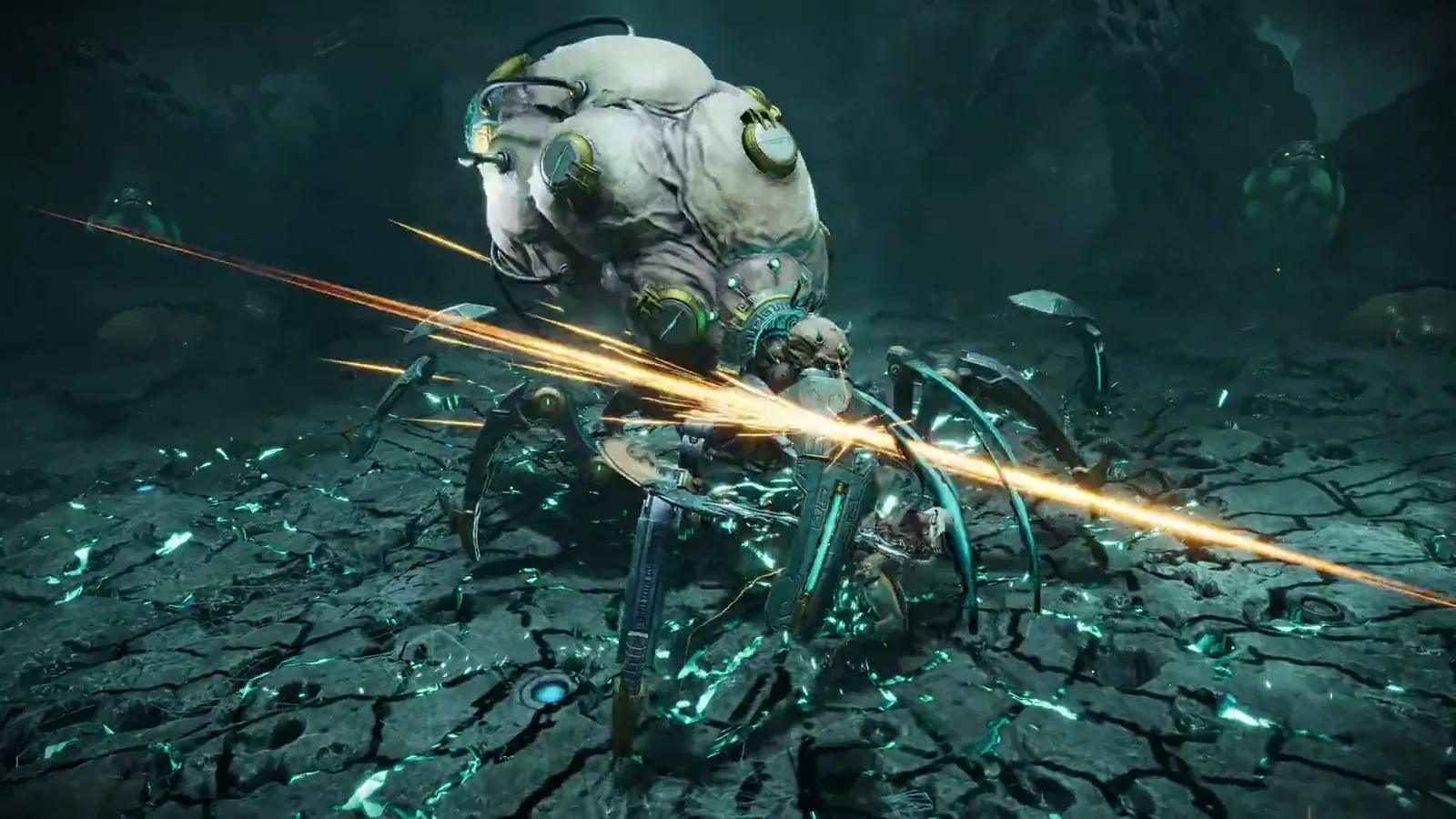
Source: official Steam trailer SNF Trailer, about 66 seconds in.
Sources
- Steam store page — ReBlade: The Death Spiral — combat design emphasis on timing and control.
- Steam demo page — demo scope and controller support.
- Steam community — v0.4.44 update (2026-10-20) — Xbox controller recommendation.
- IGN — First Preview (YouTube dVNU3Jfsa6o) — parry-centric loop, projectile reflection, demo pacing.
- IGN China preview — Normal flash tells, red attacks, shield icons, grenade kicks, July build disclaimer.
- ENMNEWS preview (2026-10-20) — parry singled out as the best technique, projectile reflection, demo leniency.
- 4Gamer-syndicated Bilibili World 2026 hands-on (July build, Japanese repost, no stable link archived) — source of the Xbox layout table and the sword-versus-axe parry notes; treat both as unconfirmed for demo v0.4.44.
- Amazing Chest — parry challenge (YouTube xotbJRapt-s) — red attacks, spit counters, machine-gun parry strings.
- Boomstick Gaming preview (YouTube wIYNQUwKIGI) — parry rhythm, finishers, beam parries, sponsored footage.
Related Articles
bosses
The Black Boss in ReBlade: The Death Spiral (Demo Notes)
The Black in the ReBlade demo: what IGN and ENMNEWS say, parry-focused footage from Amazing Chest, shield-break stun rules, and a clear list of unconfirmed stats.
guides
ReBlade: The Death Spiral Beginner Guide for the Demo
ReBlade demo beginner guide for v0.4.44: Shield Axe start, trials, nodes, shops, black copper, the reported four revives per trial and mistakes to avoid.
guides
ReBlade: The Death Spiral Demo Dates, Content and Next Fest
ReBlade demo dates, three weapons and trials, v0.4.44 Continue Game, languages, feedback forms, and preview impressions for the Next Fest build.
Was this helpful?
Thanks for the feedback!